






YouTube frames and moments for AI agents
Let your agent watch the video.
Give it a public YouTube URL. Get back frames at exact timestamps, the words spoken between them, and the moments that answer your question. Over the Apify API or MCP.
Give it a public YouTube URL. Get back frames at exact timestamps, the words spoken between them, and the moments that answer your question.
Pay per event on Apify. No subscription.
Real output
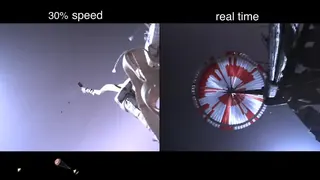 Perseverance Rover’s Descent and Touchdown on Mars (Official NASA Video)
youtu.be/4czjS9h4Fpg3:25Courtesy NASA/JPL-Caltech.
Perseverance Rover’s Descent and Touchdown on Mars (Official NASA Video)
youtu.be/4czjS9h4Fpg3:25Courtesy NASA/JPL-Caltech.
Find the moment
Answer0:00:15
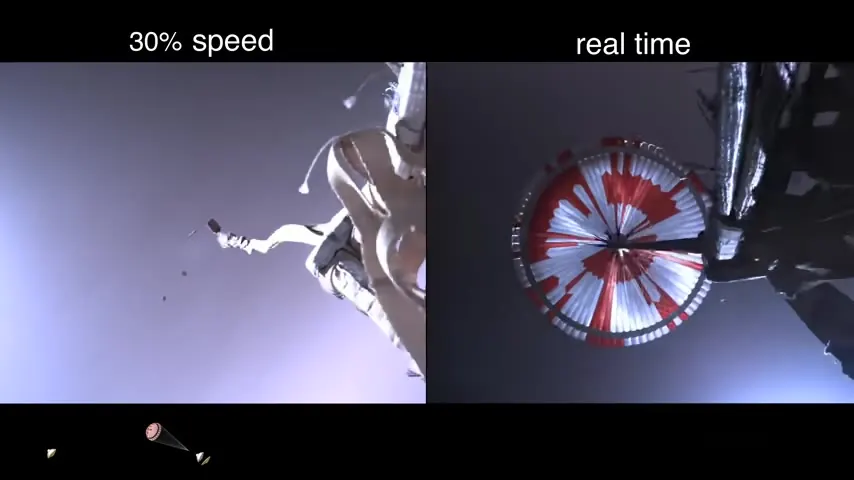 0:00:15
moments("when does the parachute deploy")
{ "frameTime": "0:00:15", "score": 0.95, "imageUrl": "https://api.apify.com/v2/key-value-stores/…" }Agents read text. The answer is often on screen. Frameskim finds the moment, hands over the frame and says exactly when it happens.
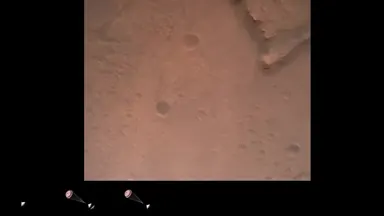
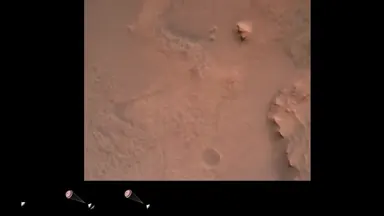
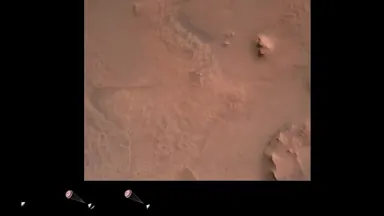
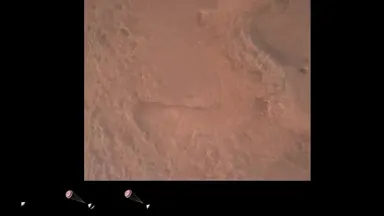
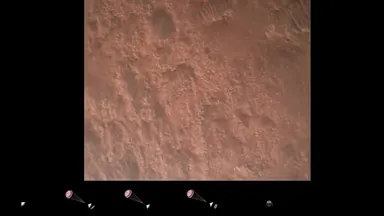
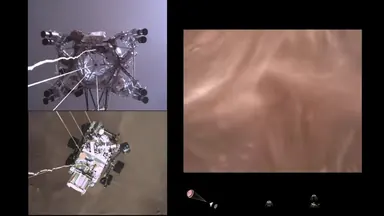
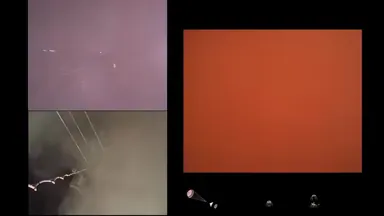
One frame every 10 seconds. Amber marks the frame returned for each question.
- 1when does the parachute deployframe at 0:00:15
- 2when does the heat shield separateframe at 0:00:35
Three modes, one video per run
Ask for frames, a segment or the moment.
Frames
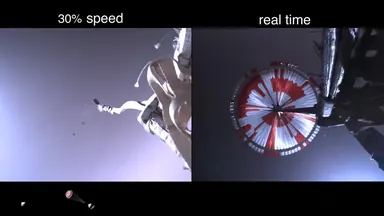 0:00:15
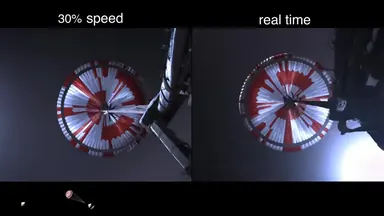 0:00:25
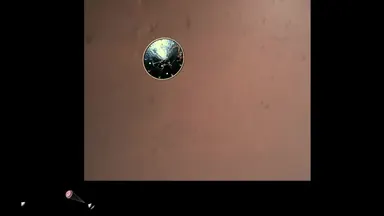 0:00:35
 0:00:45
A frame every N seconds over the range you pick. Each item carries its second, its timestamp, its size and a signed image link that opens without a token.
{
  "mode": "frames",
  "url": "https://youtu.be/4czjS9h4Fpg",
  "start": "0:15",
  "end": "0:45",
  "every": 10
}
{
"videoId": "4czjS9h4Fpg", "t": 15.0, "ts": "0:00:15",
"imageUrl": "https://api.apify.com/v2/key-value-stores/.../records/frame-000-15000.jpg",
"width": 854, "height": 480, "source": "media"
}Output, one item per frame, then a summary item
Segment
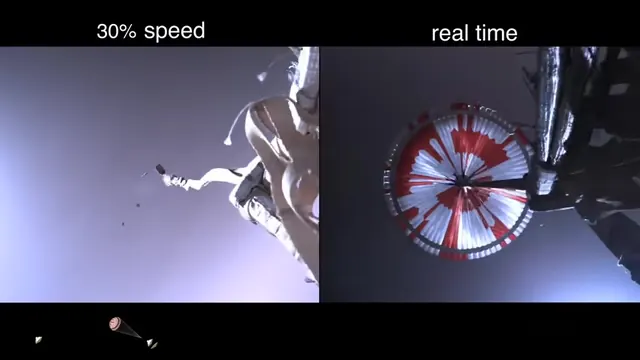 0:00:15
"text" spoken until the next frame
…navigation has confirmed that the parachute has deployed…
The same frames plus the transcript text spoken between each frame and the next. The summary item adds a ready-to-paste Markdown block: one line per frame with its timestamp, the text and the image link.
{
  "mode": "segment",
  "url": "https://youtu.be/4czjS9h4Fpg",
  "start": "0:15",
  "end": "0:45",
  "every": 10
}
{
"videoId": "4czjS9h4Fpg", "t": 15.0, "ts": "0:00:15",
"text": "...", "imageUrl": "https://...",
"width": 854, "height": 480, "source": "media"
}Output, with what is said until the next frame
Moments
query "when does the parachute deploy"
0:00:15
A query in plain language. Frameskim scores the transcript and returns the top moments that answer it, best first, each with its window and the frame from the middle of it.
{
  "mode": "moments",
  "url": "https://youtu.be/4czjS9h4Fpg",
  "query": "when does the parachute deploy",
  "topK": 3
}
{
"videoId": "4czjS9h4Fpg", "start": 0.0, "end": 30.0, "ts": "0:00:00",
"frameTs": 15.0, "frameTime": "0:00:15", "score": 0.95, "text": "...",
"imageUrl": "https://...", "width": 854, "height": 480, "source": "media"
}Output, one item per moment, values shortened
Connect
Hand it to Claude, or call it from anything.
Add one line to your MCP config and Claude can call it. From code, one POST returns the frames as JSON.
{
  "mcpServers": {
    "apify": { "url": "https://mcp.apify.com/?actors=emttn/frameskim" }
  }
}
Then ask: “Use Frameskim to find where this video says the parachute deploys and show me the frame.”
{
  "mode": "moments",
  "url": "https://youtu.be/4czjS9h4Fpg",
  "query": "when does the parachute deploy",
  "topK": 3
}- Add the official Apify node (
@apify/n8n-nodes-apify), operation Run Actor, and pickemttn/frameskim. Paste the JSON above as its input. - Add a second Apify node, Get Dataset Items, to read the results.
- No Apify node? Use an HTTP Request node:
POST https://api.apify.com/v2/acts/emttn~frameskim/run-sync-get-dataset-itemswith anAuthorization: Bearerheader and the same JSON as body.
# pip install langchain-apify   (APIFY_TOKEN set in the environment)
from langchain_apify import ApifyActorsTool

tool = ApifyActorsTool("emttn/frameskim")
items = tool.invoke({"run_input": {
    "mode": "moments", "url": "https://youtu.be/4czjS9h4Fpg",
    "query": "when does the parachute deploy", "topK": 3,
}})
Or hand tool to a LangChain agent and let it decide when to call it.
curl -X POST "https://api.apify.com/v2/acts/emttn~frameskim/run-sync-get-dataset-items" \
  -H "Authorization: Bearer $APIFY_TOKEN" \
  -H "Content-Type: application/json" \
-d '{"mode": "segment", "url": "https://youtu.be/4czjS9h4Fpg", "start": "1:00", "end": "1:30"}'import os, requests
items = requests.post(
"https://api.apify.com/v2/acts/emttn~frameskim/run-sync-get-dataset-items",
headers={"Authorization": f"Bearer {os.environ['APIFY_TOKEN']}"},
json={"mode": "moments", "url": "https://youtu.be/4czjS9h4Fpg",
"query": "when does the parachute deploy", "topK": 3},
timeout=300,
).json()
for item in items[:-1]: # the last item is the run summary
print(item["ts"], item["frameTime"], item["imageUrl"])Pricing
Pay per event. No subscription.
Apify bills each event and never more than the spending limit you set for the run.
- Per video
- $0.12Once per run that delivers frames.
- Per frame
- $0.015Each frame cut from the video.
Moment search $0.02. HD video $0.60 instead of $0.12. Storyboard frame (when YouTube blocks the download) $0.002. Full list on Apify
hd charges 0.60 USD per video once a full-resolution download is attempted, even if YouTube blocks it and the frames fall back to storyboard; standard charges 0.12 and uses storyboard when full resolution would cost too much.
FAQ
Docs on ApifyWhy are some frames low resolution?
YouTube blocks many automated downloads. Instead of failing, Frameskim uses YouTube's storyboard images and charges the lower storyboard price. quality: hd pays for a full-resolution attempt.
Which languages?
Any language the video has captions in; set lang (default en) and Frameskim falls back to the original language.
What if a run fails?
The status message says why and ends with "Nothing was charged." Retry later if YouTube blocked the request.
Where do my frames live?
Only in your run's own Apify storage, with your plan's retention. Frameskim keeps no copies.
What are the limits?
One video per run. maxFrames is 50 by default; a longer range widens every to stay under it. moments allows 3 searches per month on the Apify free plan and 200 per day on paid plans, over up to 540 transcript windows (about 3 hours of video).